Image to Video AI
Upload a photo, choose a camera move, and get a cinematic clip in about a minute.
Image-to-video is the fastest way to get motion you can actually use: you already know what the frame looks like, so the model only has to solve movement. Raduga runs your still through three frontier video models and hands you the clip — no subscription, no watermark.
How it works
- 1 · Bring an image. Upload a PNG, JPEG or WebP (up to 8 MB), paste a URL, or generate a still in the same studio for ✦1 credit.
- 2 · Describe the motion. Say what should happen — "the fabric ripples as she turns" — or tap one of ten camera presets and skip the prompt engineering.
- 3 · Pick your model. Kling 2.1 (✦30) for physics and cinematic motion, Seedance 1.0 Pro (✦40) for crisp 1080p, Hailuo 02 (✦35) for expressive characters.
- 4 · Download the original. No watermark. The clip stays in your gallery, where you can send frames back for editing or upscaling.
Camera moves, one tap
Crash zoom, dolly in, 360 orbit, FPV drone, crane up, handheld, bullet time, zoom-out reveal, low-angle push and whip pan — each preset appends professional motion language to your prompt, so the model gets direction it understands.
What it costs
A five-second clip starts at ✦30 credits — roughly 54¢ on the $9 Spark pack. Your 40 signup credits cover a first clip on the house, and unused credits never expire.
| What | Cost | Expires? |
|---|---|---|
| Signing up | Free — 40 credits, no card | Never |
| Draft image (FLUX Schnell) | ✦ 1 credit | — |
| Flagship still (FLUX 1.1 Pro Ultra) | ✦ 8 credits | — |
| 5s cinematic video (Kling 2.1) | ✦ 30 credits | — |
| Spark pack — 500 credits | $9 one-time | Never |
| Studio pack — 1,600 credits | $24 one-time | Never |
| Powerhouse pack — 6,000 credits | $79 one-time | Never |
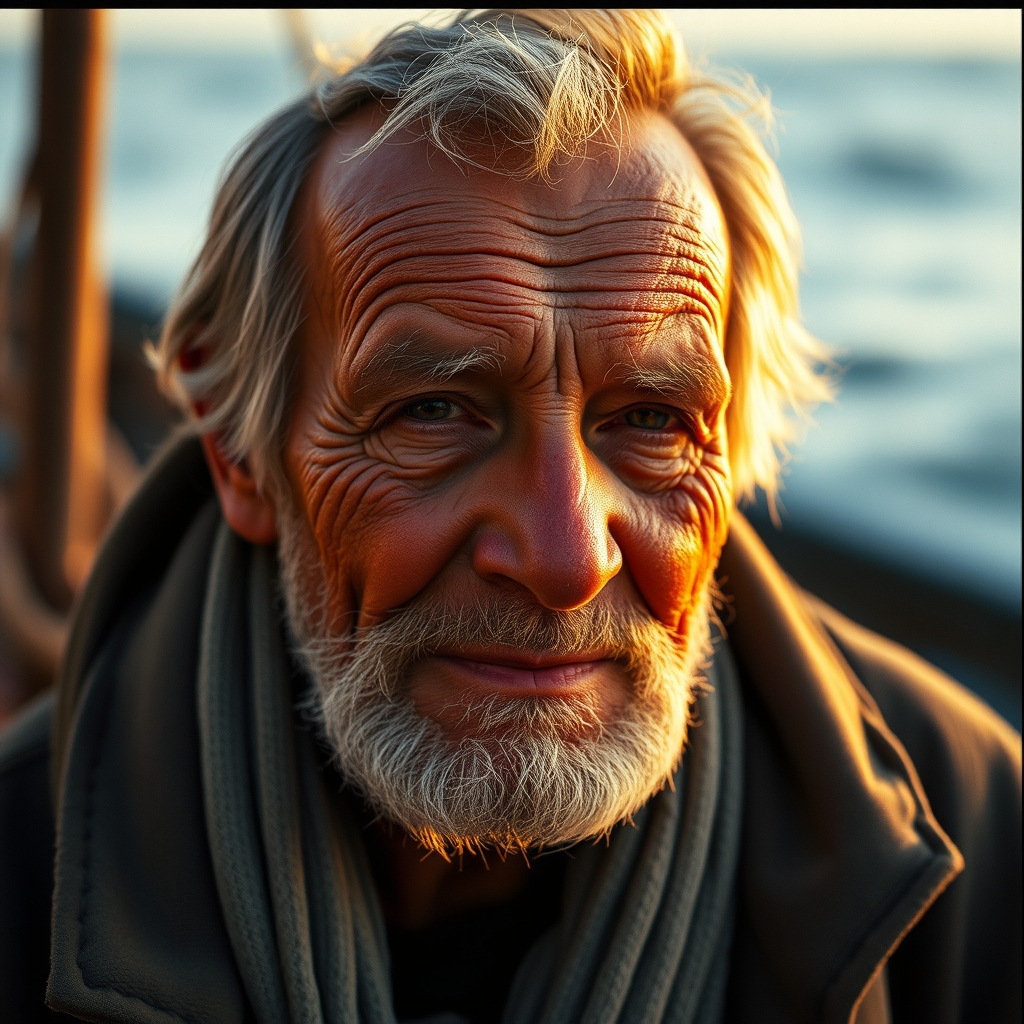
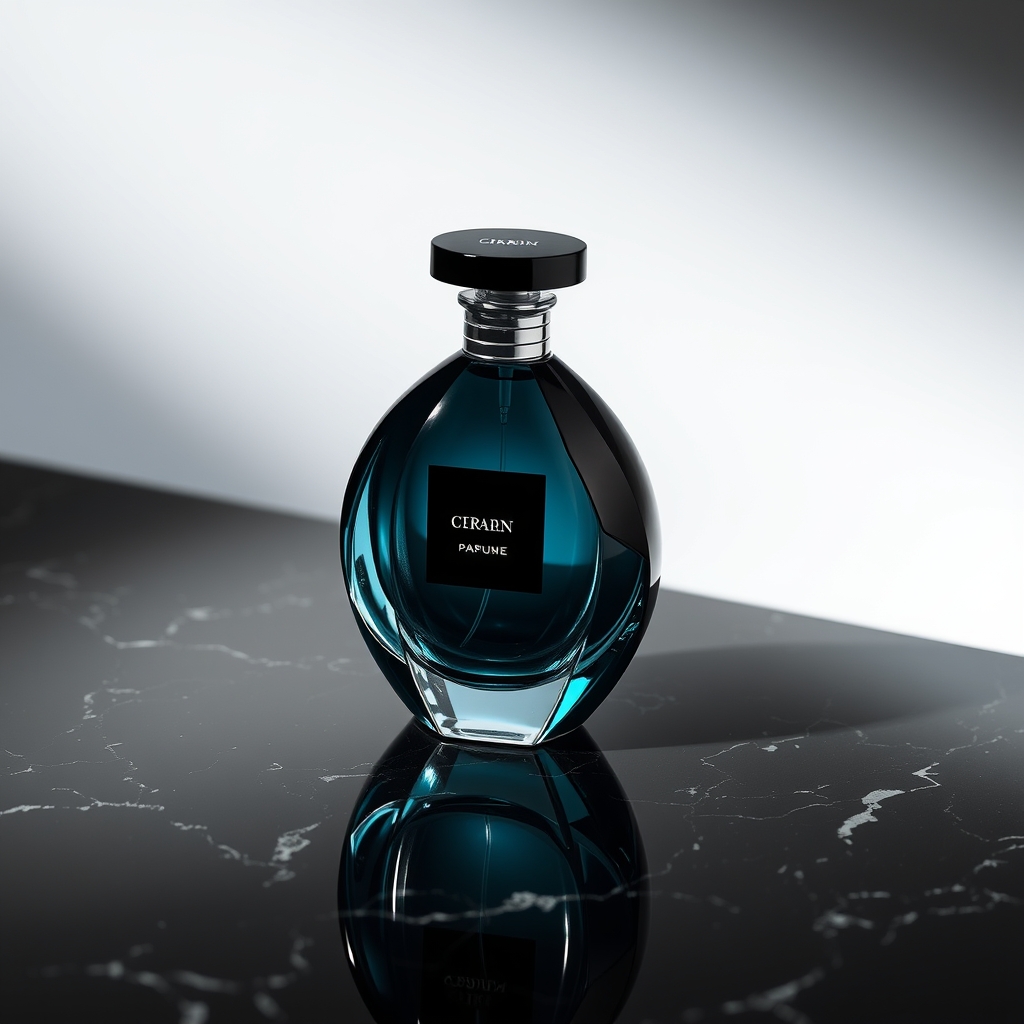
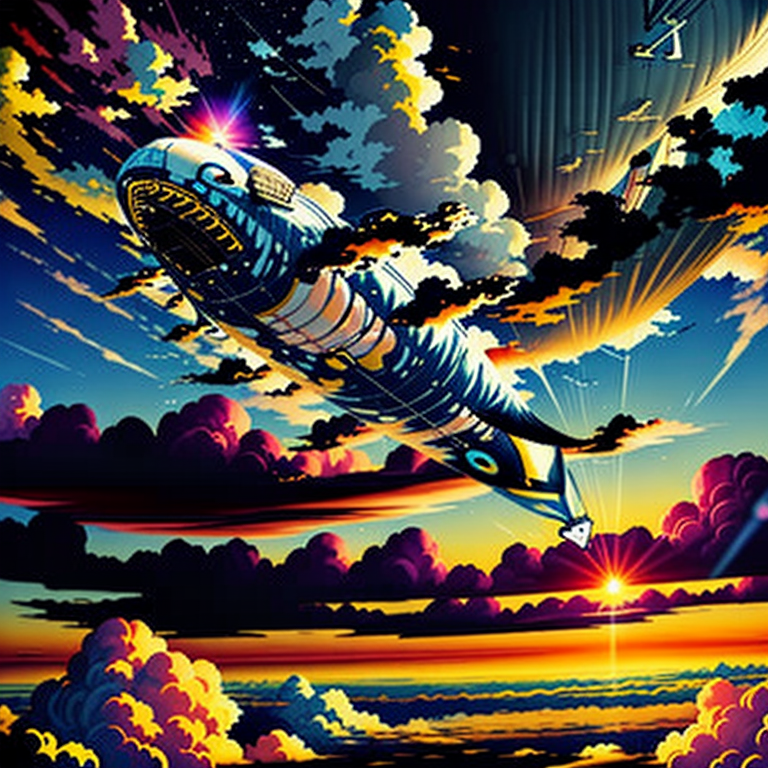
The images above were generated in Raduga — by the same engine you get on the free tier.
Frequently asked questions
What image formats can I upload?
PNG, JPEG and WebP up to 8 MB. You can also paste an image URL, or generate a still inside Raduga for one credit and animate it immediately.
How long does an image-to-video generation take?
Usually under two minutes. The job runs in the background — your gallery updates automatically when the clip is ready.
Is there a watermark on the video?
No. You download the original file, and everything you generate is yours to use.
Which model is best for animating a photo?
Kling 2.1 is the best default — strong physics and natural camera motion at 30 credits. Use Seedance 1.0 Pro when you need crisp 1080p, or Hailuo 02 for expressive human subjects.